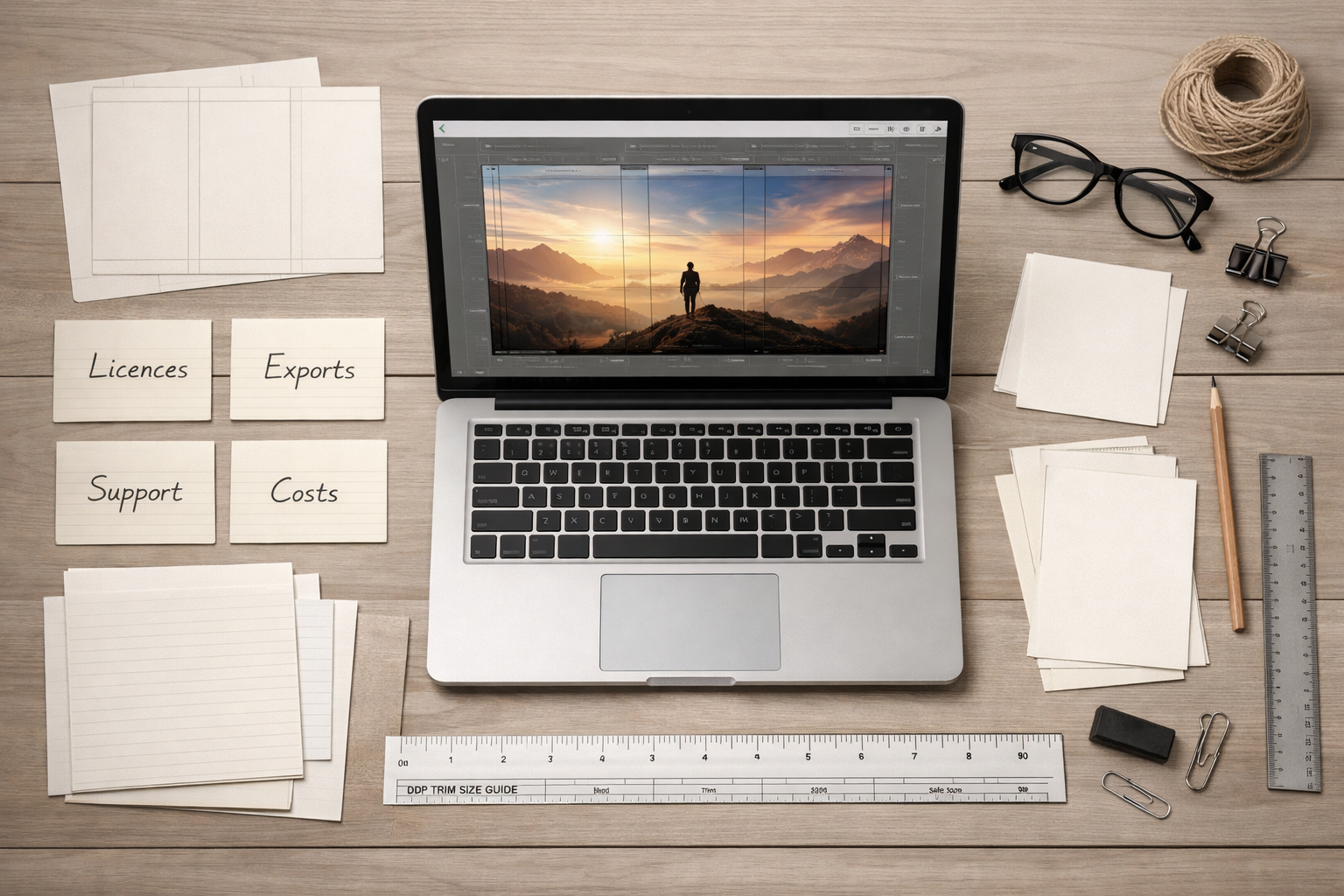
If you typed coverdesk pricing into a search bar, you’re not alone: authors often look for price info before committing to a cover tool. This article doesn’t try to list a competitor’s prices. Instead it shows a practical framework authors can use to evaluate any cover‑tool pricing—whether that tool is called Coverdesk or something else—and how to weigh those costs against what you actually need to publish a professional Kindle, paperback, or hardcover edition.
Why price alone doesn’t tell the whole story
Two tools with similar price tags can deliver very different value. The questions that reveal that value fall into three groups: what you get immediately (deliverables and exports), what you can legally use (licensing), and what you’ll pay later (extras and workflow costs).
Core factors to check when evaluating coverdesk pricing
Before you compare numbers, collect answers to these questions for each product you evaluate.
1. Pricing model and billing cadence
- Is the tool subscription‑based, pay‑per‑project, or free with optional paid features? Subscriptions are useful if you design many covers; pay‑per‑project can be cheaper for a single book.
- Does billing renew automatically? Are there monthly and annual options (and is annual cheaper per month)?
- Are there usage tiers (for example, limited downloads, image‑generation credits, or render minutes) that reset each billing period?
2. What files and export types are included
- Does the plan include production‑ready PDF exports for print (KDP, Ingram, local printers)? A tool that only delivers front‑only JPGs or low‑resolution files may force extra work or expenses.
- Are layered or editable files included (PDF with layers, PSD, SVG)? Editable files let you make late adjustments without repurchasing.
- Are eBook (Kindle) and audiobook cover sizes provided as part of the same export set or charged separately?
3. Licensing and commercial use
- Does the package grant a commercial licence for cover images, fonts, and any AI‑generated artwork? Some services restrict commercial use or require separate licences for stock images and AI outputs.
- Are there limits on print runs, territories, or resale? Ensure you won’t need additional licences if you sell internationally or reprint later.
4. Image generation and stock asset costs
- If the tool uses AI image generation, how are credits billed and how many are included?
- Are premium stock photographs or vectors included, or sold a la carte? Check whether a plan that appears cheap excludes all premium assets.
5. Support, revisions, and user seats
- Is customer support available for technical exporting questions or print problems? Faster or human support can save time and money when preparing print PDFs.
- Does the plan include designer revisions, collaborative seats, or review tools for beta readers and co‑authors?
6. Limits that increase real cost
- Look for page limits, export caps, low‑resolution watermarks, or per‑download fees that turn a “cheap” plan into an expensive one after a few uses.
- Check whether you own the final file outright or must keep the project in the vendor’s ecosystem.
Practical checklist to compare cover‑tool pricing
Use this checklist when you compare two or more vendor pages. Copy it into a note and fill in the answers for each product.
- Pricing model: subscription / pay‑per‑project / free tier
- Included exports: front JPG, high‑res PDF, layered files (list formats)
- Commercial licence: yes / restricted / separate purchase
- AI/stock asset costs: included credits / pay per image
- Revision policy & support: email / live chat / phone / response SLA
- Collaborative seats & team members included
- Hidden caps: export limits, watermarks, or low‑res previews
- Print workflow support: spine calculation, barcode area, bleed templates
- File ownership & portability: can you download and keep production files?
How to interpret answers based on your author profile
Your choice should depend on how many covers you’ll make, whether you need print‑ready files, and how much control you want over assets and licensing.
Single release, minimal revisions
If you’re producing one book and you don’t plan to revise covers frequently, a pay‑per‑project plan or a single purchase may be the most economical—provided it includes a production‑ready PDF and a commercial licence.
Series author or multiple projects per year
Active indie authors who release multiple titles often save money with a subscription that includes editable files, unlimited exports or high export caps, and built‑in templates for consistent branding across a series.
Authors who use custom artwork or hire designers
If you plan to commission custom art or work with a freelance designer, prioritise tools that provide layered/PSD or high‑quality print PDFs and confirm that the licence covers paid commissions and marketplace assets.
Common hidden costs to watch for
Even with a careful comparison, some costs only show up once you start a project. Watch for these common traps:
- Extra fees for high‑resolution or CMYK exports needed by some printers.
- Separate charges for barcode creation or ISBN placement if the tool doesn’t include a full back‑cover template.
- Cost to re‑export after a small change if exports are limited per month or per purchase.
- Charges for commercial‑use versions of fonts or premium stock images used in the design.
- Time cost of fixing a front‑only JPG: converting a coversheet into a full wrap can mean paying a designer or buying additional exports.
Decision framework: three quick scenarios
Below are examples of how authors might reach different conclusions using the framework above. These are decision pathways, not endorsements.
Scenario A — debut novelist on a budget
You’ll likely publish only one or two titles in the near term. Prioritise a pay‑per‑project option that includes a high‑resolution PDF or a coversheet you can convert to print with minimal extra cost. Confirm the licence covers commercial sales and print runs.
Scenario B — midlist indie with a backlist
Frequent releases and reprints make a subscription attractive if it includes editable files and unlimited or high‑cap exports. Also prioritise collaboration features if you work with editors or co‑authors.
Scenario C — author who commissions bespoke art
If you hire illustrators or photographers, ensure the tool supports layered exports and that its licensing doesn’t conflict with the artist’s licence. You’ll likely need a plan that provides full‑wrap print exports and portable files designers can open natively.
Avoiding wasted spend: specific questions to ask sales or support
When in doubt, contact the vendor and ask these direct questions before you pay:
- “Does this plan include a high‑resolution, KDP‑ready PDF for paperback and a separate Kindle‑sized JPG or PNG?”
- “Do I get an editable file (PSD, layered PDF, or project file) I can download and keep?”
- “Is commercial use of generated images and included stock assets covered for unlimited print runs and international sales?”
- “What export or generation limits apply per billing period?”
- “If I need a small adjustment after export, do I need to repurchase an export or can I edit and reexport?”
How Cover Studio AI’s pricing page fits into this comparison
If a search for coverdesk pricing led you to Cover Studio AI’s pricing page, use that page as part of your vendor comparison. Our pricing page lists the features and plan differences for Cover Studio AI; compare those features against the checklist above—especially export formats, licensing, and production‑ready PDF support for KDP.
Learn more about our offering and confirm particulars on the pricing page: Cover Studio AI pricing.
Related tools and workflows to consider
Price isn’t the only factor. Think about the entire workflow you’ll need:
- If the tool provides only a coversheet, plan for converting that into a full‑wrap cover using a template or a print‑cover calculator—see our Print Cover Calculator and Templates guide.
- If you want to compare broader cover‑tool choices and what authors usually mean by “cover studios,” our guide What authors mean by “cover studios” — how to evaluate options and choose the right route helps explain agencies, freelance designers, and browser tools.
- For practical steps on evaluating unfamiliar tools and turning their output into KDP‑ready covers, see Searching for “coverjig”? How to evaluate unfamiliar cover tools.
Tips for reducing overall cover costs without sacrificing quality
- Start with a clear brief and a thumbnail test: a good brief reduces revision cycles and design costs.
- Use free or bundled assets wisely: confirm licences first, and prefer tools that include commercial licences for the assets you need.
- Plan editions together: creating a Kindle and a paperback cover at once often costs less than separate purchases later.
- Learn basic preflight checks so you can spot problems before exporting to print—see our Amazon KDP Cover Preflight Checklist.
Final checklist before you pay
Before you click buy, confirm these five essentials:
- Export formats include a production‑ready PDF for print and a high‑resolution eBook cover.
- Commercial licence covers the assets you’ll use and the expected print runs.
- Editable files or project downloads are included so you can make later changes without repurchasing.
- There are no hidden per‑export fees or restrictive caps that will force extra purchases.
- Support is available if you need help with spine calculations, bleed, or export settings for KDP.
Comparing coverdesk pricing effectively means comparing value: what you get, what you can legally use, and what you’ll pay later. Use the framework and checklists above to compare vendors side by side and to avoid surprises. If you want to see how one vendor addresses these items, review the details on our pricing page: https://coverstudioai.com/pricing.