Independent publishing resource
AI Book Cover Prompt Guide
A useful cover-art prompt describes the visual problem, not the title lettering. Generate clean artwork with deliberate empty space, then add accurate typography in the cover editor.
Start a cover project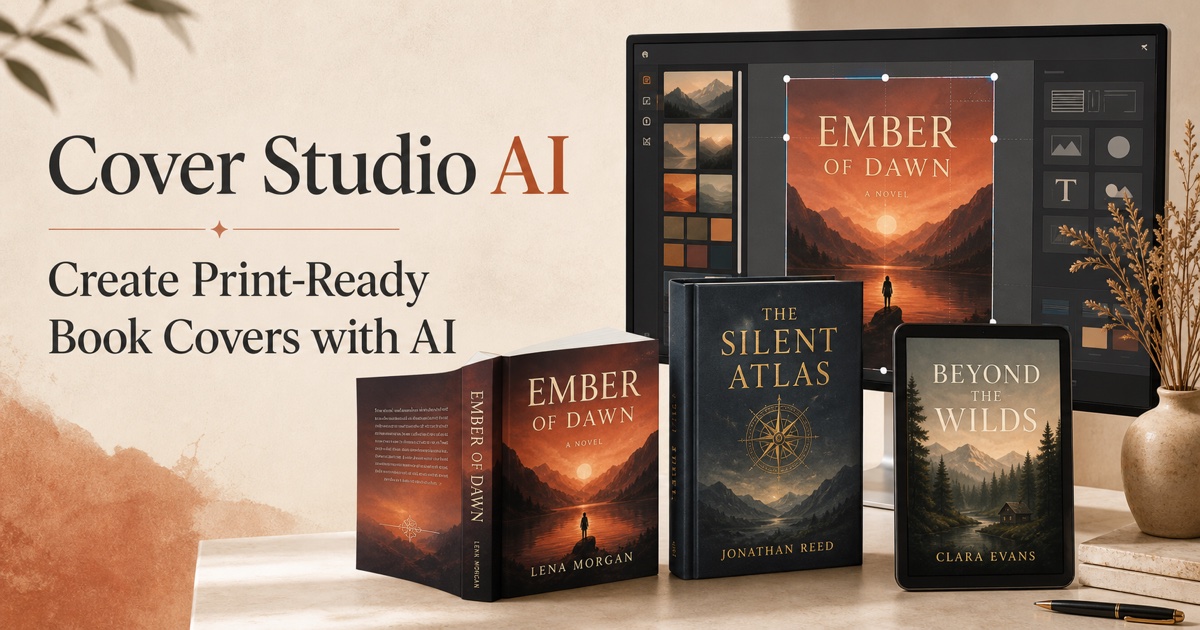
Describe genre and focal subject
Begin with the genre signal, central subject, setting, and emotional tone. Concrete visual nouns and relationships are more useful than a long list of vague quality adjectives.
Control composition and negative space
Specify portrait cover composition, focal placement, camera distance, lighting, palette, and where quieter space should remain for the title and author. Avoid asking the image model to render final text.
Refine one variable at a time
Save promising results and adjust composition, color, or mood deliberately. Check hands, faces, architecture, symbols, historical details, and unintended visual artifacts before treating artwork as final.
Step-by-step workflow
-
1.State the genre and subject
Name the audience signal, central subject, setting, and intended emotional tone.
-
2.Direct the composition
Describe portrait orientation, focal placement, camera view, lighting, palette, and negative space for typography.
-
3.Exclude unwanted elements
Request artwork without words, logos, watermarks, frames, mockups, or other elements that should be added later.
-
4.Generate and inspect
Review anatomy, objects, symbols, artifacts, and whether the image remains clear at cover-thumbnail size.
-
5.Add typography separately
Place the exact title and author text in the cover editor where spelling, font, alignment, and safe areas are controllable.
Frequently asked questions
Should an AI prompt include the book title?
Use the title only as creative context if helpful, but request artwork without rendered words and add the exact title later with editable typography.
What makes a cover prompt different from an illustration prompt?
A cover prompt must anticipate portrait composition, thumbnail clarity, typography space, genre signals, and the crop or wrap required by the final format.