Independent publishing resource
How to Publish a Book on Amazon KDP
Publishing successfully is less about rushing through the upload form and more about preparing consistent metadata, interior files, cover files, pricing, and proof checks before you click publish.
Start a cover project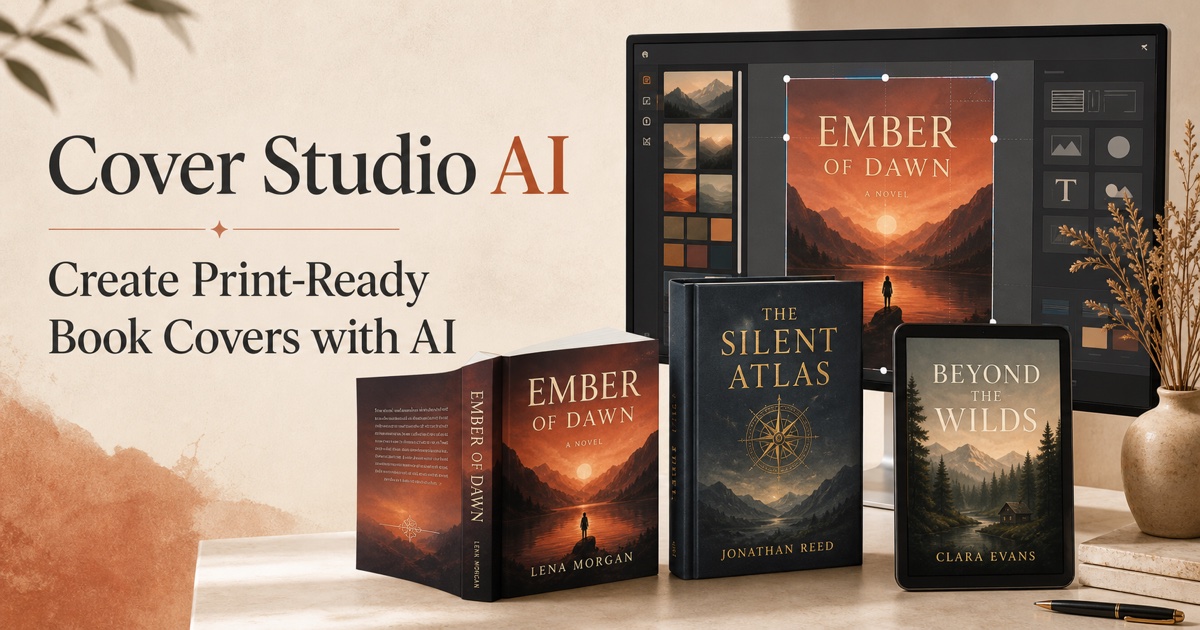
Prepare the book files
Finish editing and formatting the manuscript, confirm the final trim size and page count, and create a cover for the same edition. A print cover cannot be finalized until its page count and paper choice are known because both affect spine width.
Create the title and edition record
Enter the title, subtitle, contributors, description, keywords, categories, publishing rights, and audience information carefully. Keep this metadata consistent with the title page and cover, and never make claims that the book cannot support.
Upload and preview every format
Upload the ebook or print interior and its matching cover, then use the platform previewer to inspect margins, bleed, spine placement, image quality, and unexpected blank pages. Fix source files instead of approving avoidable warnings.
Order a proof and publish
For print books, order a physical proof whenever timing permits. Check color, trim, binding, small type, and barcode placement under normal reading light before setting territories, price, and publication status.
Step-by-step workflow
-
1.Prepare the manuscript
Edit and format the final interior for the intended ebook, paperback, or hardcover edition.
-
2.Finalize metadata
Prepare accurate title, contributor, description, keyword, category, rights, and audience details.
-
3.Build the matching cover
Use the final trim, page count, paper, bleed, and format specifications to create the correct cover file.
-
4.Upload and preview
Upload the files and inspect every page and cover boundary in the publishing previewer.
-
5.Proof and publish
Review a physical proof for print when possible, set pricing and territories, and submit the edition.
Frequently asked questions
Do I need an ISBN to publish through KDP?
Ebooks do not require an ISBN. Print editions can use an eligible free platform-assigned ISBN or an ISBN you own; the right choice depends on your imprint and distribution plans.
Should I publish the ebook and paperback at the same time?
They may be published together or separately. Each format needs its own correctly prepared files, and print production should not be rushed merely to match an ebook date.