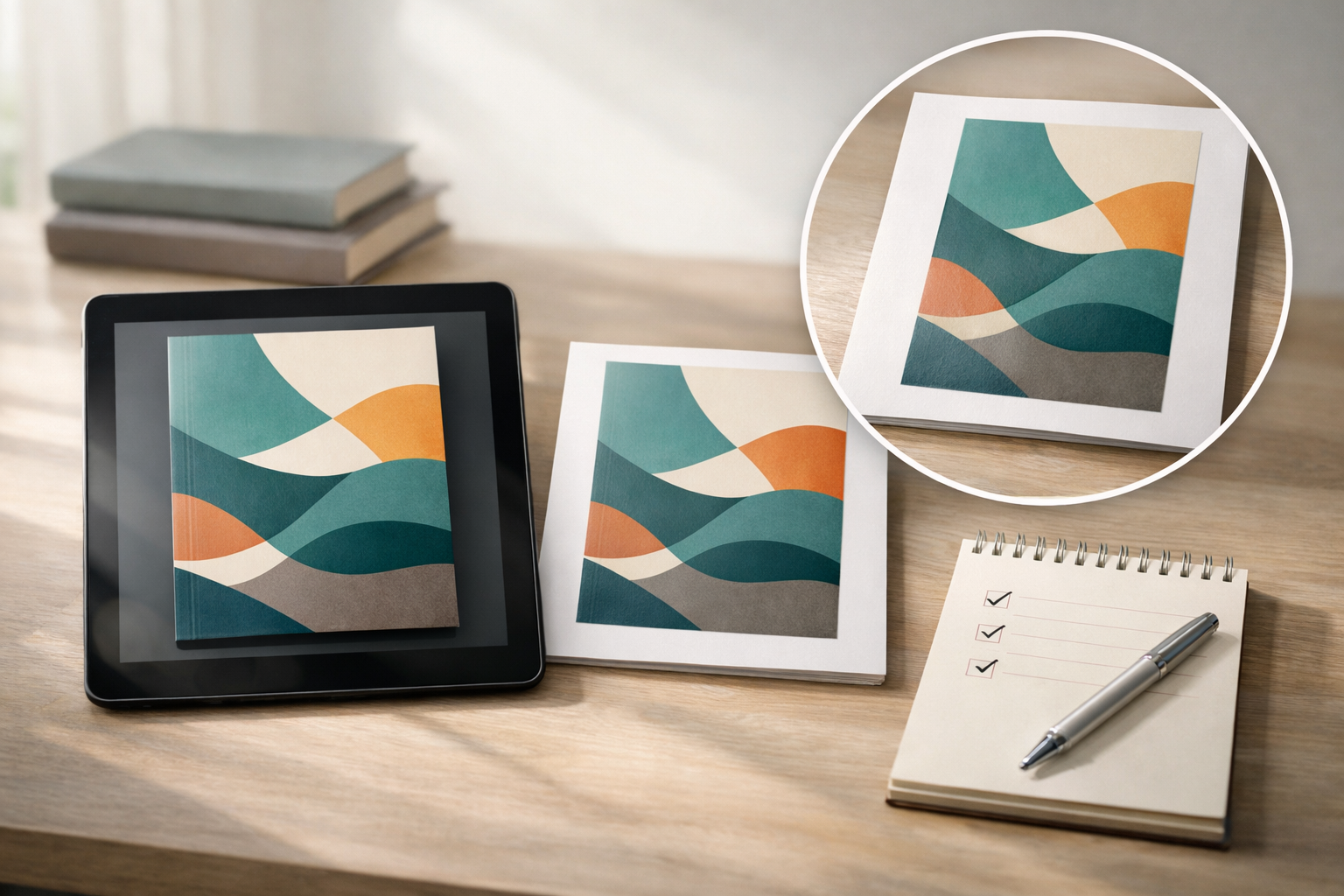
When authors type “best ebook cover creator” they’re usually asking: which tool will get a professional, market‑ready Kindle cover with the least risk and least wasted time? There isn’t a single best tool for every author and every book. The best choice depends on your goals, constraints, and willingness to handle production details yourself.
Quick overview: four kinds of ebook cover creators
Understanding the common tool types makes it easier to evaluate options.
- Template-driven cover editors — Browser apps that provide ready-made layouts and editable assets. Fast for genre-typical covers and authors who prefer visual templates.
- AI-based image + cover tools — Tools that generate artwork (or produce images you upload) and let you compose typography and export a cover. Great for exploratory ideation and low-cost production when you control prompts and licensing.
- Coversheet generators (front-only) — Simple front-panel makers that are ideal when you only need a Kindle/eBook front. They are quick, but often require extra steps for print-ready or full-wrap files.
- Professional designers & studios — Freelancers or agencies who produce custom art, typography, and market-tested layouts. Best for books where cover performance and strategic branding matter most.
What “best” really means for your book
Before comparing tools, set a clear definition of “best” for this project. Consider these questions:
- Is speed or polish more important?
- Will the cover be used only on Kindle stores, or also for print and audio?
- Do you need original artwork or a licensed stock image?
- How important is thumbnail performance (the tiny image buyers see in search)?
- What’s your budget for design, revisions, and licensing?
Answering those will shape which features you must prioritise when evaluating creators.
Evaluation checklist: features every good ebook cover creator should have
Use this checklist to compare tools side‑by‑side during short trials.
- Output formats and sizes: Can the tool export a high‑quality front image at common Kindle dimensions and a 1.6:1 ratio (for example 1600×2560 px is a common Kindle target)? Does it keep enough resolution for large thumbnails and marketing images?
- Typography control: Can you place and style title, subtitle, and author name precisely? Does the tool give access to commercially licensed fonts or let you upload fonts you own?
- Thumbnail testing: Does the editor include a thumbnail preview or let you test your cover at small sizes? If not, can you export quickly and test with a thumbnail checklist? (See our thumbnail testing guide: How to Test Whether a Book Cover Works at Thumbnail Size.)
- Licensing clarity: Does the tool clearly state commercial use rights for generated or stock images, and whether releases or exclusivity are provided? If you generate images with AI, can you verify the license terms? Our licensing guide helps authors ask the right questions: Book cover image licensing: key questions.
- File fidelity and colour: Can you export suitable files for web and print? Does the tool warn about resolution, colour space, and compression? If you need print files later, can it either create full-wrap templates or export high‑resolution artwork that converts easily to print layouts?
- Workflow & revisions: Does the tool keep version history, or make it easy to iterate and export multiple sizes (front-only and print-ready) without rebuilding the cover each time?
- Integration with your process: Can you build a visual brief or import reference images? If you plan to work with a designer, can you export assets and notes that speed the handoff? See our guide on building an effective visual brief: How to Build a Visual Brief for a Professional Book Cover.
Decision framework: pick the right creator for four common author profiles
Match your profile to a recommended approach rather than chasing a single tool.
- First‑time indie with small budget: Try a template editor or an AI-assisted cover tool that focuses on front covers and thumbnails. Prioritise thumbnail testing and licensing clarity. Use a coversheet generator if you only need Kindle art, then convert to print when sales justify the cost.
- Author who needs speed and consistency (series): Use a template editor or a cover tool that supports templates and batch production so you can create consistent series covers quickly and test thumbnails at scale.
- Author prioritising original art and marketing lift: Commission a designer or studio, but use a cover‑creator tool for rapid prototyping and for producing marketing images. Prepare a concise visual brief to get better first drafts—see our brief guide above.
- Authors experimenting with AI: Combine AI image generation with an editor that gives robust typography and export control. Learn to write precise AI prompts and iterate (see: How to Write an Effective AI Book‑Cover Artwork Prompt).
Practical three‑step trial you can run in a single afternoon
When you’re comparing candidates, run the same short test in each tool. Use this trial to surface deal‑breakers quickly.
- Build one coversheet: Create a single front cover concept that matches your preferred genre signals (art, color, typography). Export at the tool’s highest resolution.
- Thumbnail and market test: Reduce the exported file to typical store thumbnail sizes and evaluate legibility, focal point, and title readability. Follow the thumbnail checklist: Test Whether a Book Cover Works at Thumbnail Size. Score each candidate on legibility and genre signalling.
- Licensing and preflight: Verify the image and font licences, and run the cover through a quick preflight checklist (resolution, safe margins, export format). Our cover preflight checklist is useful here: Cover Checker: The Complete Preflight & Market‑Ready Checklist.
Rank candidates by thumbnail score, licence clarity, and how quickly you reached a final file you can use for upload or for handing to a designer.
Specific things to watch for when you need both Kindle and print
If you plan to publish more than an eBook, your choice must either produce full‑wrap print files or work smoothly with a print template generator.
- Does the tool export high-resolution artwork suitable for a full-wrap layout, or only front‑panel images? See how to turn a coversheet into a production-ready cover: Coversheet generator: When to use a front-only cover tool.
- If you need a print file, can the tool handle spine width and bleed, or will you need a separate print-cover template? We explain the choices in our KDP and print guides: Kindle Cover Maker: How to Create a Professional eBook Cover for Amazon KDP and Book Cover Creator: How to Make a Professional Book Cover for Print and Kindle.
How to brief an AI tool or designer so the chosen creator gives usable covers
One reason authors switch tools is poor briefs. A short, focused brief saves time and reduces costly redesigns. Use these elements:
- Market context: Genre, comparable titles, target age range, and one sentence about reader expectations.
- Primary visual idea: A brief description of the focal image, mood, and colour palette. If you’re using AI, include reference images and concise prompt rules. Use our AI prompt guide for templates: How to Write an Effective AI Book‑Cover Artwork Prompt.
- Typography rules: Title hierarchy, preferred fonts or font families (and whether you’ll provide fonts), and any mandatory elements like series name or award badges.
- Must‑have exclusions: Elements to avoid (spoilers, inaccurate character signals, or wrong genre cues). For visual identity risks, see our article on misleading character signals: What if your strongest image misleads readers about a character’s identity?.
Testing and publishing checklist for the final ebook cover
Before you upload to Kindle stores, run this short checklist:
- Thumbnail legibility test at several common thumbnail sizes (store grid, search list, and mobile preview). See the thumbnail test guide.
- Confirm image and font licences allow commercial use and cover reproduction. If you used an AI generator, document the licence terms and any model release considerations. See the licensing guide above.
- Export at recommended pixel dimensions for Kindle front covers and save a high-resolution master for marketing images.
- Run a brief preflight for resolution, safe margins, and compression artefacts. Use our preflight checklist: Cover Checker.
- Store editable source files and a version log so you can roll back changes or create print-ready files later.
A short glossary: terms you’ll see when evaluating creators
- Coversheet — A front-only cover image, usually used for Kindle/eBook covers.
- Full-wrap — A print-ready cover that includes front, spine, and back panels laid out as one file.
- Thumbnail test — Checking your cover at small sizes to ensure title and focal image read in store listings.
- Preflight — The set of checks you perform before publishing (resolution, bleed, file type, barcode space, etc.).
When to switch creators or upgrade your workflow
Switch if one of these is true:
- Your cover consistently performs poorly in thumbnail tests despite iteration.
- Licensing or export limitations prevent you from using the image commercially or producing print files.
- Design complexity grows (series branding, original art requests) and the tool no longer saves you time.
When you need higher performance, move to a hybrid workflow: prototype with a coversheet or AI tool, then commission a designer to refine and produce final production files. Use the visual brief workflow linked earlier to make the handoff efficient.
Summary: the practical shortlist method
To find the “best ebook cover creator” for your project, don’t try to compare every tool. Pick three candidates that match your profile (template editor, AI-assisted tool, and either a coversheet maker or a designer). Run the three‑step trial (build, test thumbnails, verify licences/preflight). Choose the one that gives the best combination of thumbnail performance, licence clarity, and a usable export—then lock it into a repeatable process so future covers and marketing images are faster and safer to produce.
If you want tool-specific guidance for Kindle covers and a deeper look at the tools authors use for Amazon KDP, our companion piece goes into practical tool choices and workflows: Best Tools for Creating and Optimizing Amazon KDP Book Covers. For step-by-step help creating a Kindle-ready front cover inside a cover tool, see: Kindle Cover Maker: How to Create a Professional eBook Cover for Amazon KDP.
Questions about artist releases, model licensing, or how to turn an AI image into a print-ready file? Start with our licensing guide and then draft a short visual brief: Book cover image licensing and How to Build a Visual Brief. These steps will reduce risk and help you pick the best creator for your book—whatever that turns out to be.