Independent publishing resource
Kindle Cover Size Guide
An ebook cover is normally a front-cover image rather than a print wrap. Its most important technical and creative test is whether the title and central idea remain clear at thumbnail size.
Start a cover project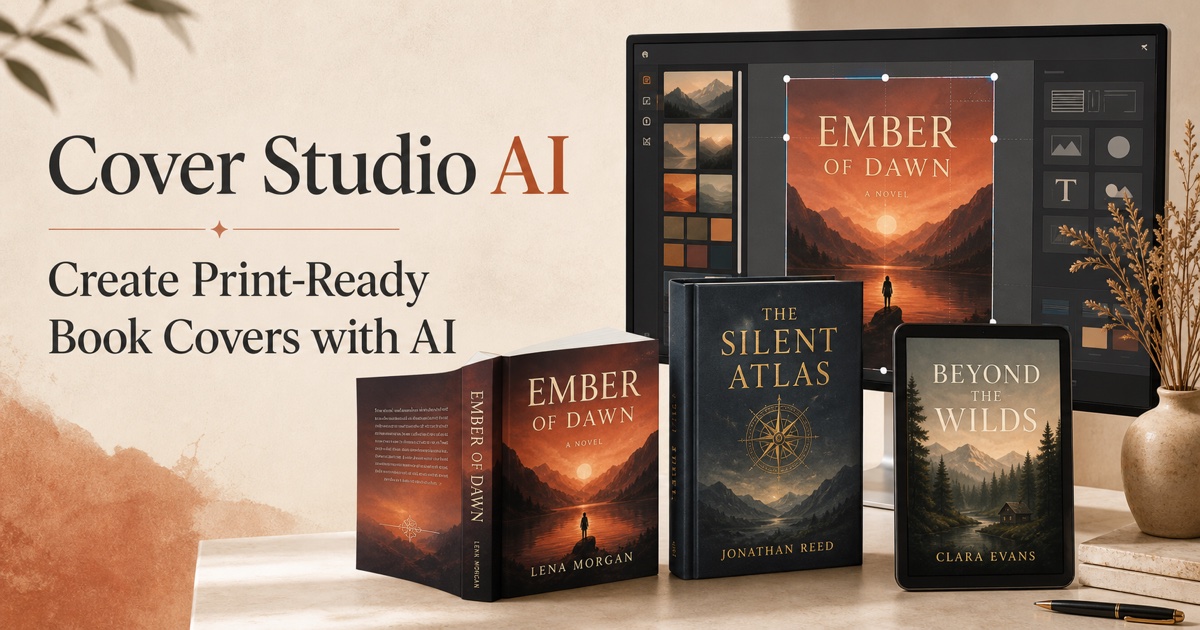
Use a tall, consistent ratio
A 1.6:1 height-to-width ratio is a common starting point for Kindle artwork. Work from the current platform guidance, keep a high-resolution master, and avoid stretching a print-cover crop into a different proportion.
Export clean RGB artwork
Use an accepted image format and RGB color. Avoid adding a spine, back cover, trim marks, printer registration marks, or transparent empty areas to the ebook cover file.
Design for small screens
Test the cover at roughly phone-thumbnail size. Strengthen title hierarchy, simplify small details, and check contrast in both bright and dim viewing conditions.
Frequently asked questions
Can I use my paperback front cover for Kindle?
Often yes, if it is exported as a clean front-only image at the correct ratio and resolution without print marks or wrap elements.
Does a Kindle cover need 300 PPI?
Pixel dimensions and image quality matter more than a print-density label for an ebook. Keep a high-resolution master and follow the platform’s current pixel guidance.