Independent publishing resource
KDP Cover Bleed Calculator
Bleed extends artwork beyond the final cut line so normal trimming variation does not leave a white sliver. It is different from the safe area, which keeps important content inside the trim.
Start a cover project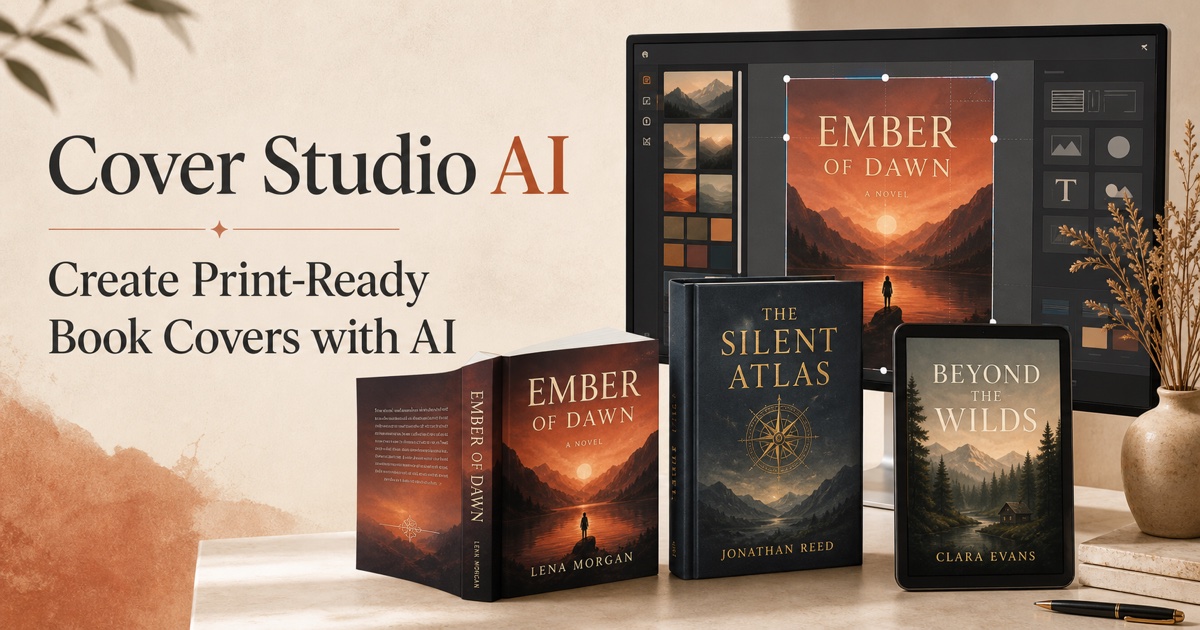
Cover measurement planner
Enter your working measurements in inches. This planning result does not replace the current production template for your exact marketplace, format, paper, and page count.
Planning result
Calculating…
Add bleed to outer edges
For a common 0.125 inch allowance, add 0.25 inch to total height. A full print wrap also adds 0.125 inch to the far left and far right; the spine folds are not treated like outer trim edges.
Extend backgrounds, not critical details
Colors, textures, and photographs should continue through the bleed. Titles, logos, faces, borders, and essential illustration details belong comfortably inside the safe area.
Check the interior separately
Interior-page bleed and cover bleed solve related but separate production problems. Configure the manuscript file for its own trim and bleed requirements rather than copying the cover canvas dimensions.
Frequently asked questions
Do white covers need bleed?
A cover with a truly white background may not reveal a white trim sliver, but any color, image, border, or texture reaching an edge should extend through the required bleed.
Is bleed the same as a margin?
No. Bleed is extra artwork outside the trim; a margin or safe area keeps important content far enough inside the trim.