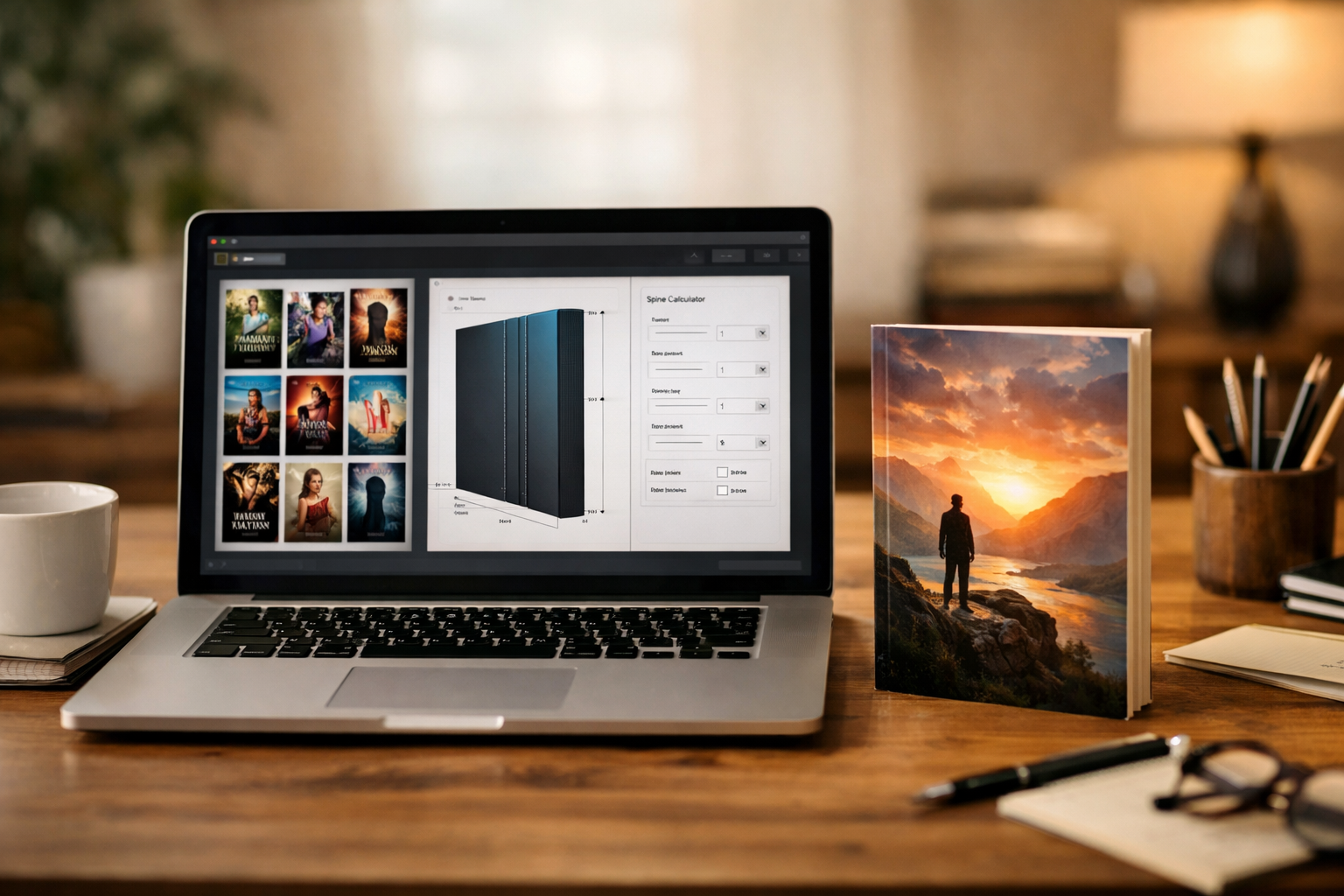
Searching for a “book cover maker website”? That phrase often points to a wide range of options: browser‑based design editors, AI artwork generators, coversheet creators, or template libraries that promise a finished cover in minutes. For self‑publishing authors preparing professional Kindle and print covers, the right site must do more than look attractive in screenshots — it must deliver files and controls that survive thumbnail testing, KDP preflight checks, and real‑world publishing workflows.
What authors usually mean by “book cover maker website”
When authors type this query they’re usually evaluating tools that fall into one or more of these categories:
- Template-driven cover builders (front-only or full-wrap templates).
- AI image generators or integrated image libraries used to create artwork.
- Browser-based layout editors that combine artwork, typography, and export options.
- Services that convert a coversheet into production-ready paperback and hardcover files.
Knowing which category you need — front-only ebook cover vs. KDP full-wrap print cover vs. multi-format workflow — will quickly narrow the list of candidate websites.
Quick decision checklist: is this site worth testing?
Before you sign up or upload your manuscript, run the site through these practical checks. If a site fails any one of these, it’s worth asking support for clarification or moving to a different tool.
- Export types and control: Does the site export full-wrap PDFs for paperback/hardcover with correct bleed and spine width, front-only PNG/JPEG for Kindle, and square artwork for audiobooks? Can you specify exact trim size, page count, and paper type so spine width is calculated correctly?
- Editability: Will you receive editable source files (layers, text) or only flattened images? Editable files let you tweak text and fix layout issues without rebuilding the cover from scratch.
- Resolution and colour profile: Are exports high-resolution (300 DPI for print) and in CMYK or a KDP‑appropriate profile when needed? Low-res or RGB‑only exports can cause print problems or rejections.
- Preflight and templates: Does the site provide KDP templates or a built‑in calculator (trim, spine, bleed) to produce print-ready PDFs? If not, can you easily supply the correct dimensions and bleed settings yourself?
- Licensing and usage rights: What license covers the artwork, fonts, and AI-generated images? Look for explicit commercial-use, cover‑use, and transferability terms so you can publish and sell without legal ambiguity.
- Thumbnail testing: Can you preview and test how your cover reads at thumbnail size? If the tool lacks thumbnail previews, plan to download candidates and test them in other apps.
- Accessibility and legibility checks: Does the editor let you test contrast, font sizes, and readability at small sizes? Covers that look fine at full size sometimes fail at thumbnail scale.
- Support and documentation: Is there clear documentation (tutorials, export guides, KDP checks) and an accessible support channel for cover‑specific questions?
- Price and hidden costs: Is export restricted behind paywalls, or are print-ready exports, commercial licenses, or font usage charged separately?
- Privacy and backups: Can you download and back up every version you create? Does the site keep your data available if you cancel a subscription?
Feature checklist: what to compare side‑by‑side
If you’ve narrowed the list to two or three sites, compare these capabilities directly. They matter practically — not just as product features but as the difference between a cover that publishes smoothly and one that stalls in preflight.
- Trim & spine calculator: Precise controls for trim size, page count, and paper type so you can export an accurate full-wrap cover for KDP or any printer.
- Template fidelity: Quality and genre fit of templates (fiction, nonfiction, memoir, children’s). Can templates be fully customised?
- Typography controls: Layered text, kerning, tracking, weight choices, and font licensing. Can you upload your own font if needed?
- Image sourcing and licensing: Does the site offer stock libraries, allow uploads, or integrate AI generation? Are releases and commercial rights provided for book covers?
- Export presets for platforms: Presets for KDP paperback, Kindle ebook, ACX audiobook, or other retailers reduce mistakes and speed production.
- Versioning and collaboration: Can you save named versions, invite collaborators, or export shareable preview links for beta readers or cover tests?
- Thumbnail and hero previews: Side-by-side views for thumbnail grids, book pages, and hero images for ads and social media.
- Preflight checks and warnings: Automated alerts for low-resolution images, missing bleed, text too close to trim, or barcode placement problems.
Legal and licensing: ask these exact questions
Licensing is non-negotiable. If you rely on images, fonts, or AI outputs from a third‑party site, verify these points in writing:
- Does the site grant a royalty‑free commercial license for book-cover use, including the right to sell and distribute the book worldwide?
- Are AI‑generated images covered by the site’s license for commercial, cover use and transferable to third parties (e.g., if you hire a designer later)?
- Are model and property releases supplied for photographs or images used on the cover?
- Is there a clear statement about exclusivity? Many stock images are non‑exclusive; expect that other users may use the same image.
Practical testing workflow: how to evaluate candidate sites in one afternoon
Use a repeatable test protocol so decisions are evidence‑based rather than emotional.
- Pick a sample brief: Choose one of your current projects — a clear title, subtitle (if any), genre, trim size, and an example of the kind of artwork or mood you want.
- Create three cover candidates per site: Spend 20–40 minutes on each: one template edit, one custom image + type layout, and one AI or image-driven concept. Export the files the site recommends for Kindle and paperback.
- Check exports against KDP requirements: Open the full-wrap PDF in Acrobat or a PDF viewer and verify trim dimensions, spine width, bleed, and that text sits inside safe zones. Use the site’s preflight or KDP’s resources if available.
- Thumbnail test: Reduce each cover to 120–200px width and view them in grids. Can the title read? Does the focal point survive the size reduction? If the site offers automated thumbnail previews, compare those to your manual tests.
- Legibility and contrast: Test title contrast against background at thumbnail and full sizes and run a basic accessibility contrast check for the title block.
- File fidelity: Compare image resolution and colour shifts between on‑screen preview and exported files. If you plan to print, request a proof copy or print a local proof first.
- Licensing check: Download the licensing terms that apply to each image or asset you used and save them with your project files.
- Support test: Ask the vendor one or two production questions (e.g., spine calc for a 320‑page cream-paper paperback). Measure how clear and fast the response is.
Red flags that should make you pause
- Exports limited to web-sized JPGs without a print-ready PDF option.
- Unclear or missing licensing terms for fonts, images, or AI outputs.
- No way to set exact trim, spine, and bleed values for print covers.
- Fonts embedded as rasterized pixels only — you can’t edit text later.
- Automated AI image outputs that explicitly prohibit commercial cover use.
- Support that refuses to answer basic KDP or export questions.
When a front-only coversheet tool is the right choice
Front-only coversheet builders are useful when you only need a Kindle or audiobook image and plan to create print wraps elsewhere. They’re typically faster and cheaper, but they add work if you later need a paperback or hardcover. If you intend to publish across formats, prefer a tool that supports full-wrap export or provides a reliable way to convert a coversheet into print-ready files — see the guide Coversheet generator: When to use a front-only cover tool and how to turn a coversheet into a production-ready book cover for a step-by-step workflow.
How to evaluate AI features without legal risk
If a site includes an AI art generator, treat the images like any third‑party asset: verify the commercial license, ask about training-source disclaimers, and test for consistency. AI is powerful for concepting, but many authors use AI images as starting points that are refined or redrawn for print‑quality output. For practical advice on writing prompts that produce usable cover artwork, see How to Write an Effective AI Book-Cover Artwork Prompt.
Integration with publishing workflows
Consider how the site fits into the rest of your publishing process. Useful integrations and features include:
- Export presets for Amazon KDP, Ingram, and ACX.
- Easy asset downloads for marketing (social banners, ad creatives) so your cover can be used across platforms.
- Version history and exportable proof files to accompany distribution or a print run.
Price vs. value: the questions that matter
Price is important, but the real comparison is total cost of ownership:
- Does the subscription permit unlimited commercial exports, or do you pay per export?
- Are print-ready PDFs and commercial licenses included or extra?
- Will you likely need a designer later to fix text or layout issues that the tool can’t handle?
Sometimes spending more on a tool that produces a final, editable PDF and clear licenses saves money compared with buying cheap image exports that require a designer to fix later.
A recommended, low‑risk rollout plan
- Choose the tool that passed the checklist above and produce three strong cover concepts.
- Run the covers through a thumbnail and KDP preflight test (or use a printed proof for paperbacks).
- Verify and save image and font licenses with your project files.
- If you lack experience preparing full-wrap print PDFs, use a tool or guide that walks through spine calculations — see Amazon KDP Cover Sizes and Spine Width Calculator Guide and Amazon KDP Cover Preflight Checklist.
- When you publish, keep the editable source and license receipts archived with your ISBN and distribution records.
Where Cover Studio AI fits and further reading
If you’re comparing cover maker websites and want resources that focus on production-ready covers for Kindle and KDP, the Cover Studio AI library includes practical tutorials and decision guides to complement a tool trial. Start with the general resource hub at Cover Studio AI Resources, then follow detailed how‑tos depending on your needs:
- For choosing between design approaches and tools: How to Choose the Best eBook Cover Creator.
- For understanding what a browser-based cover studio should provide: How authors searching for “cover studio” should evaluate and use a cover design tool.
- For a full print-ready production workflow using an online tool: Book Cover Creator: How to Make a Professional Book Cover for Print and Kindle (walks through front-only vs full-wrap choices).
Final checklist you can copy and use now
Copy this short checklist into your evaluation notes when you test a site:
- Export types: front-only (PNG/JPG), full-wrap PDF (with trim + bleed), and square audio art available?
- Print settings: can I set trim, page count, and paper to calculate spine width?
- Resolution & colour: 300 DPI for print; CMYK or KDP‑safe profile available?
- Editable sources: layered files or editable typography on export?
- Licenses: explicit commercial and cover use, releases for photos, AI output terms?
- Thumbnail preview: automatic and manual thumbnail testing supported?
- Preflight checks: warnings for low-res images, missing bleed, and unsafe text placement?
- Support & docs: clear, production-focused help and reasonable response time?
- Price & backups: are exports and licenses included, and can I download backups after cancellation?
Next steps
Use the workflow above to evaluate two or three candidate websites in parallel. If you want a guided approach that focuses specifically on KDP production, see the practical tutorials and calculators in the Cover Studio AI resources hub at https://coverstudioai.com/resources. If your decision hinges on AI artwork quality or licensing, start with a short prompt test and request license terms before finalising your cover.
Choosing the right book cover maker website is about ensuring your chosen tool produces market-ready files, gives you the rights you need, and fits your publishing workflow. With the checklist and testing protocol above you can turn search results into an evidence-based choice and avoid last-minute surprises at upload time.