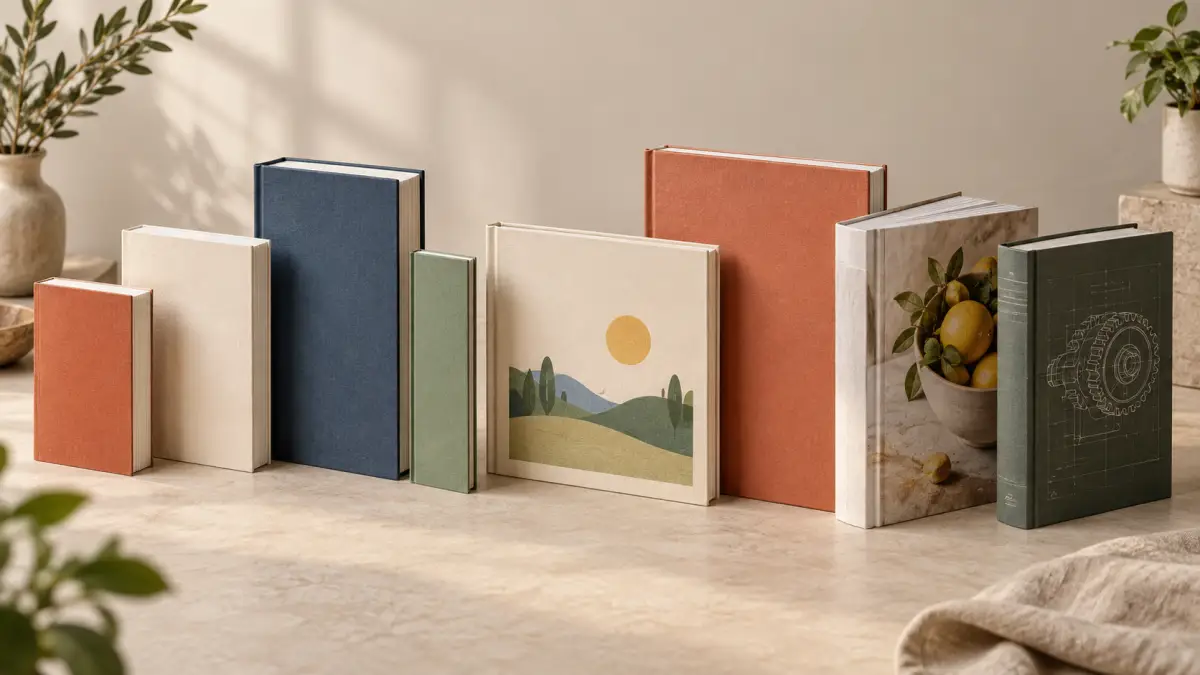
What book cover size should you use? Start with the size of the book you want readers to hold. There is no single best size for every title. A novel read on a commute, a picture book shared on a lap, and a workbook written in at a desk ask different things of their pages. Content length, reading experience, and the sizes your chosen printer supports all matter.
For print, authors normally choose the trim size first: the finished width and height of a page. The cover's final dimensions follow after the interior is formatted. A 6 × 9-inch book does not use a 6 × 9-inch full print-cover file. Use this guide to narrow the format by book type; use the complete Book Cover Sizes and Dimensions guide when you need the actual file measurements.
Book Size vs. Book Cover Size
Trim size is the finished page size after cutting. The front cover panel generally corresponds to those finished dimensions. A print cover file is wider: it includes the back, spine, and front, plus the production allowances required by the binding and printer. Page count and paper choice affect spine width, while bleed and other requirements affect the final canvas. Hardcover construction can add further allowances.
The question “What size should my book be?” therefore comes before “What size should I export my cover?” This article helps with the first decision. For measurements, bleed, and print versus ebook files, return to the book cover dimensions reference. For a more detailed method of testing page layouts, read How to Choose a Book Trim Size.
Novel and Fiction Book Sizes
For a text-led novel, compare compact trade proportions first. 5 × 8, 5.25 × 8, and 5.5 × 8.5 inches can make a book comfortable to hold and give the text an intimate feel. 6 × 9 inches offers a roomier page and may suit a longer manuscript or a book with maps, illustrations, or other structured material. These are practical comparison points, not genre rules.
Literary fiction can look at home in a restrained, compact format, but the prose still needs a readable line length. Romance and mystery or thriller readers may spend long sessions with a paperback, making hand feel and type size especially important. Science fiction and fantasy manuscripts sometimes contain maps, glossaries, or long word counts; test how those features fit before choosing a narrow page. None of these genres has a mandatory trim size.
Page count changes the physical result. A short novel at a large trim can feel thin, while a long one at a small trim can become thick and less comfortable to hold. Make two sample interiors with the same readable typography, then compare the real objects at actual size. The cover also changes: a narrow front panel gives long titles and elaborate artwork less horizontal room.
Nonfiction Book Sizes
6 × 9 inches is a frequently encountered starting point for business, self-help, history, biography, and general nonfiction. It gives text and headings room without immediately moving into a large reference-book format. KDP describes 6 × 9 as its most common U.S. paperback trim size, but frequency is not a requirement for your book.
A business book with short chapters and callouts may work well at 6 × 9; a more narrative self-help book could feel better at 5.5 × 8.5. History and biography can be text heavy, but photographs, notes, timelines, and source material may change the layout. If charts or tables need to be reduced until labels are hard to read, compare a larger supported size instead of forcing the design.
Consider the finished page count and appearance together. More space per page can shorten a book, but the result depends on font, margins, spacing, images, and section openings. A roomy format can also make a concise manuscript look sparse. Print a representative chapter, a chart, and a page of notes before committing.
Memoir and Biography
Memoirs often read like novels or narrative nonfiction, so they can use similar proportions. A compact 5.25 × 8 or 5.5 × 8.5-inch book can feel personal and easy to carry. A 6 × 9-inch format may work better for a longer life story with photographs, notes, or a wider text layout.
Let the material decide. If a memoir includes family photographs with detailed captions, check them at print size. If the text is the main event, avoid making every page wider than the reading rhythm needs. A biography with extensive chronology or references may benefit from a larger page than an intimate first-person account.
Poetry Book Sizes
Poetry uses page space deliberately. The length of a line, the position of a stanza, and the white space around it may be part of the work. A compact book can feel intimate, but a narrow trim might wrap lines that were meant to remain whole. A larger page gives long lines and visual poems more room, yet it can leave short poems adrift if the layout is not considered.
Typeset several representative poems at two sizes, including the longest lines and any unusual spacing. Print them rather than judging only on screen. Preserve line breaks and comfortable margins; do not shrink the type simply to make a preferred trim work. No single poetry size suits every collection.
Children's Book Sizes
Illustrated children's books need a different decision process from text-heavy paperbacks. Square pages can support balanced scenes and a strong shared-reading experience. Landscape pages give wide illustrations more room; larger portrait pages suit tall characters or vertical compositions. The right proportions should come from the art and page-turn sequence.
Test a few complete spreads before choosing trim. Illustrations that cross a page gutter need careful placement, and images that run to the edges need the platform's required full-bleed setup. Also check print resolution at the intended physical size. A platform's available sizes vary by binding, ink, paper, page count, and marketplace, so confirm the exact combination before commissioning final artwork. KDP's current print options are the source for its supported combinations.
Workbook and Activity Book Sizes
A workbook needs space for the reader to do something. Worksheets, exercises, handwriting lines, diagrams, and activities can make 8 × 10 or 8.5 × 11 inches useful starting points where the chosen platform supports them. The extra surface makes prompts and answer areas easier to use.
Design a typical filled-in page, not just an empty template. Check whether someone can write comfortably near the gutter and whether instructions remain clear when printed. Larger pages may change production cost and the way the book is stored or carried. If a workbook is meant for a bag or a small desk, compare a more compact layout before settling on a large format.
Cookbook and Illustrated Nonfiction Sizes
Cookbooks and visual nonfiction ask the page to carry photography, diagrams, recipes, captions, and often several kinds of information at once. A larger portrait or square format can give images and steps breathing room. A smaller format can still succeed if the design uses fewer elements per spread and keeps type readable at a glance.
For a cookbook, test a recipe with a long ingredient list and multiple process photos. For an illustrated guide, test the densest diagram and its labels. Compare the benefit of larger pages with current printing estimates for the exact edition; ink, page count, trim, and binding can affect cost. Do not choose size from a cover mockup alone.
Textbook, Manual and Technical Book Sizes
Tables, code, screenshots, diagrams, and reference material can justify a larger trim. A manual used at a desk has different portability needs from a novel read in one hand. Compare a format such as 7 × 10 or 8 × 10 inches with the smallest size that still keeps dense material legible, subject to your printer's supported options.
Check the hardest content first: a wide table, a full-page screenshot with labels, and a page with notes or numbered steps. If those elements require tiny text or repeated awkward splits, the page may be too narrow. At the same time, an oversized text block can make ordinary explanatory paragraphs tiring to read; use columns or controlled line lengths when needed.
How Book Size Changes Your Cover
Changing trim size changes both front and back panels. It also changes interior pagination, which can change the total page count and therefore the spine width. Together those changes alter the full cover dimensions, artwork crop, type placement, and possibly printing cost. A final cover designed for one trim cannot simply be stretched into another.
Choose the physical format before finalizing a print cover. Once pagination, paper, and binding are settled, calculate the edition's exact file dimensions. The Amazon KDP Cover Size Guide explains KDP's production requirements; the KDP Cover Sizes and Spine Width Calculator Guide explains how the spine enters the canvas. Use How to Calculate Book Cover Size for Amazon KDP for a worked measurement sequence.
Example: 5.5 × 8.5 vs. 6 × 9
Imagine the same text-led manuscript at 5.5 × 8.5 and 6 × 9 inches. The first can feel more compact in the hand and may give a short title a focused front-cover composition. The second provides more page area and can accommodate more content per page. With similar typography and margins, that may reduce page count and narrow the spine, but there is no reliable percentage without formatting the actual manuscript.
The two fronts also have different proportions. An illustration, long subtitle, or author name that balances well on one may need to be recomposed on the other. Test a few interior pages and a rough cover concept at both sizes, then choose the edition that serves the reading experience. The trim-size selection guide goes deeper into this comparison.
Don't Design the Final Cover Too Early
Use this order so the print file follows the finished book:
- Choose the publishing format and platform.
- Choose a trim size supported for that edition.
- Format the interior at that trim.
- Finalize pagination and page count.
- Confirm paper and binding options.
- Calculate the final cover dimensions.
- Design and export the final cover.
- Validate the file with the publishing platform's preview and checks.
KDP's print cover calculator and templates use edition details to determine the cover layout. If you are designing across the back, spine, and front, the full-wrap book cover guide helps plan that composition. The Amazon KDP Book Cover Templates guide explains how to use an edition-specific template.
Quick Book Size Decision Guide
These sizes are starting points for comparison, not requirements or guarantees of availability. Confirm the exact trim, binding, paper, ink, and page-count combination with your printer.
| Book Type | Common Starting Sizes | Why Authors Choose Them | Things to Consider |
|---|---|---|---|
| Novel | 5 × 8, 5.25 × 8, 5.5 × 8.5, 6 × 9 in | Portable trade proportions and flexible text layouts | Manuscript length, reading comfort, title space |
| Memoir | 5.25 × 8, 5.5 × 8.5, 6 × 9 in | Fiction-like feel or more room for images and notes | Photo size, narrative rhythm, final thickness |
| Business/nonfiction | 5.5 × 8.5, 6 × 9 in | Room for headings, callouts, and readable text | Tables, charts, notes, sparse pages |
| Poetry | 5 × 8, 5.5 × 8.5, 6 × 9 in | Proportions can support line length and white space | Long lines, intentional breaks, page composition |
| Children's illustrated | Square, landscape, or larger portrait format | Page shape can serve the illustration and read-aloud experience | Spread planning, bleed, art resolution, supported options |
| Workbook | 8 × 10, 8.5 × 11 in | More writing and activity space | Gutter usability, portability, production cost |
| Cookbook | Larger portrait or square format | More room for photos, recipes, and captions | Visual density, readability, print cost |
| Technical/manual | 7 × 10, 8 × 10 in | Space for diagrams, screenshots, and tables | Label size, line length, desk use |
How Cover Studio AI Helps After You Choose Your Size
Once you have a supported trim and final page count, start a Cover Studio AI project for the edition you are making. Its paperback workflow takes the book's format, trim, page count, and paper choice into account when preparing a cover canvas; you can add artwork and editable title text, preview the layout, and export a print cover. A Kindle edition uses a front-cover workflow instead.
Keep your printer's current template and previewer in the final check. Cover Studio AI helps translate chosen book specifications into a design workspace; the publishing platform determines whether the submitted file passes its requirements. Choose the book that serves your reader first, then build its cover at the dimensions that book actually needs.