Kindle vs. Paperback vs. Hardcover: How to Create the Right Cover for Every Book Edition
Turn one book-cover concept into Kindle, paperback, and hardcover editions with consistent artwork and correctly prepared files for each format.
Cover Studio AI Editorial
Guides to Amazon KDP, book cover design, trim sizes, spine calculations, typography, publishing workflows, and self-publishing.
Featured Guide
Turn one book-cover concept into Kindle, paperback, and hardcover editions with consistent artwork and correctly prepared files for each format.
Explore by Topic
Templates, trim sizes, bleed, publishing requirements, and KDP-ready files.
Explore topicPaperback, hardcover, Kindle dimensions, safe zones, and spine calculations.
Explore topicComposition, layout, imagery, genre expectations, and professional design.
Explore topicFonts, hierarchy, readability, licensing, and spine typography.
Explore topicCover calculators, templates, design software, and production tools.
Explore topicPractical guidance for preparing and publishing professional books.
Explore topicLatest Articles
Practical advice for designing, preparing, and publishing professional books.
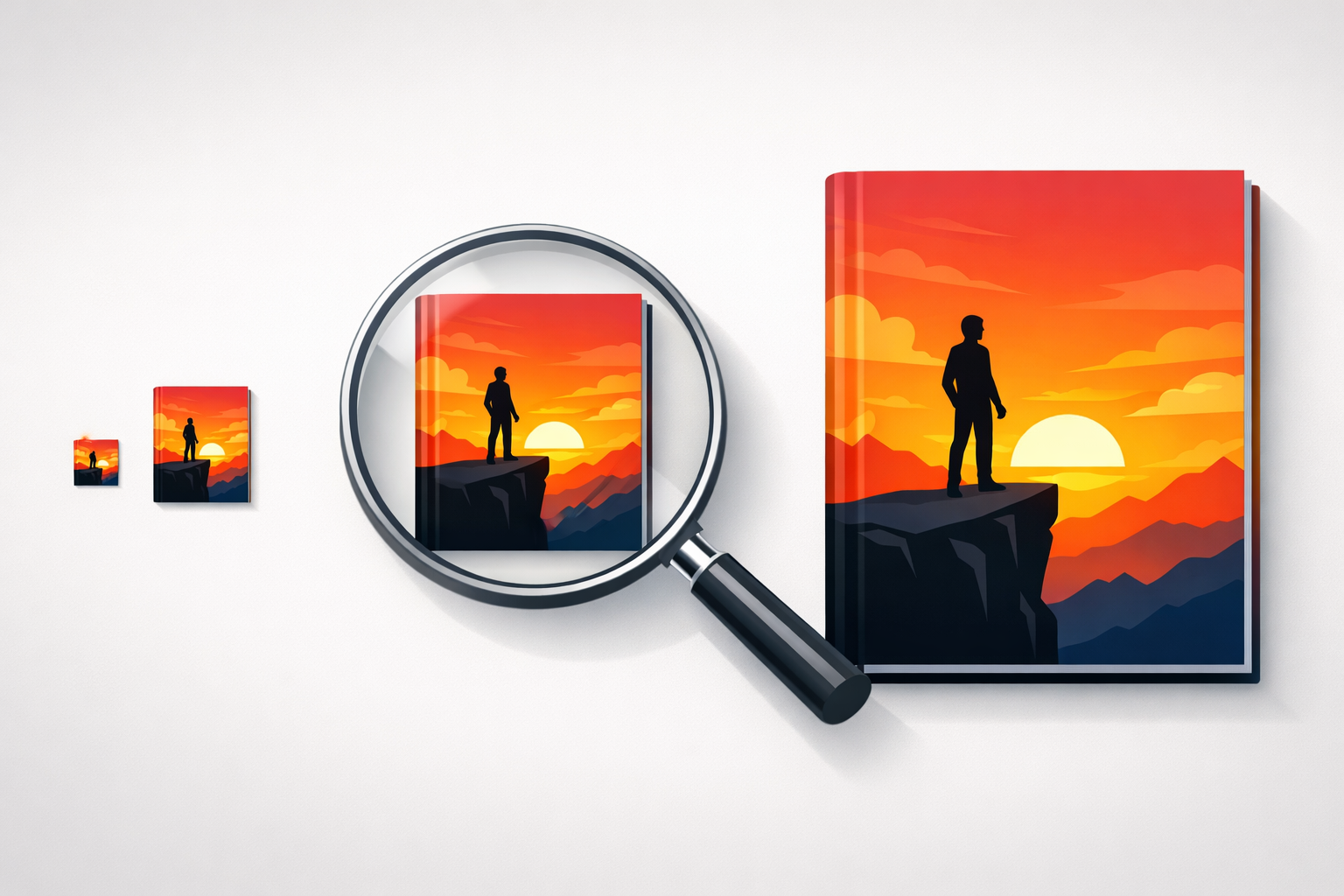
Create a professional Kindle cover with genre-focused artwork, readable typography, thumbnail testing, and a front-only KDP ebook workflow.
Learn how to design a professional fiction book cover with clear genre signals, compelling artwork, readable typography, and a print-ready layout.
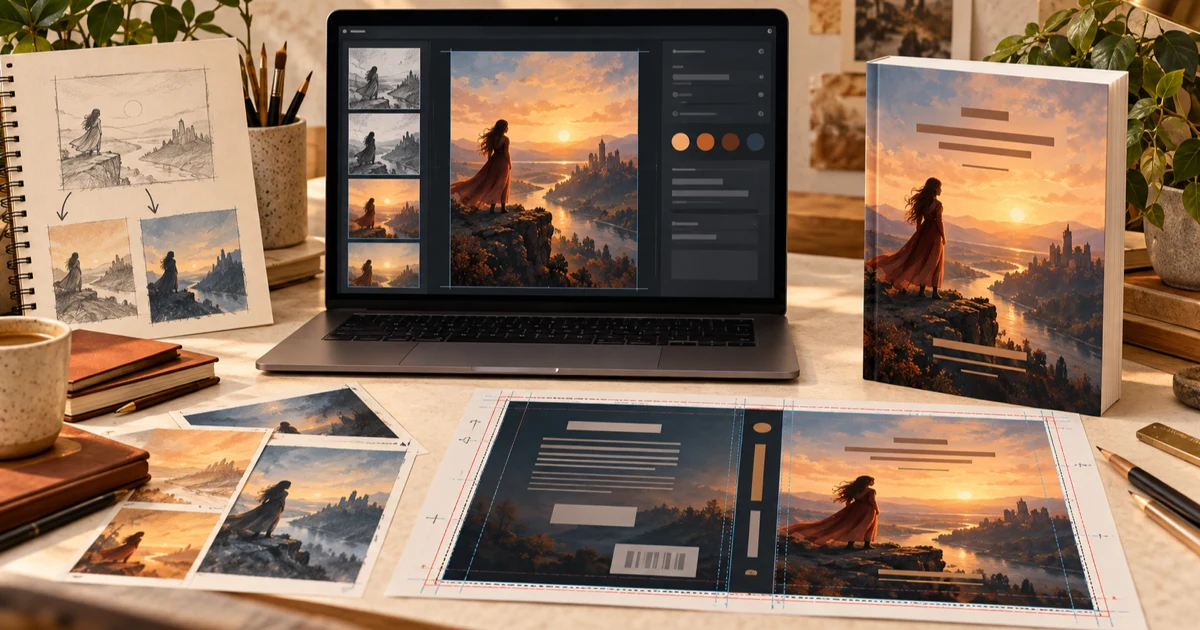
Follow a complete book-cover workflow from format and artwork to typography, print-wrap design, preview, and publishing-ready export.
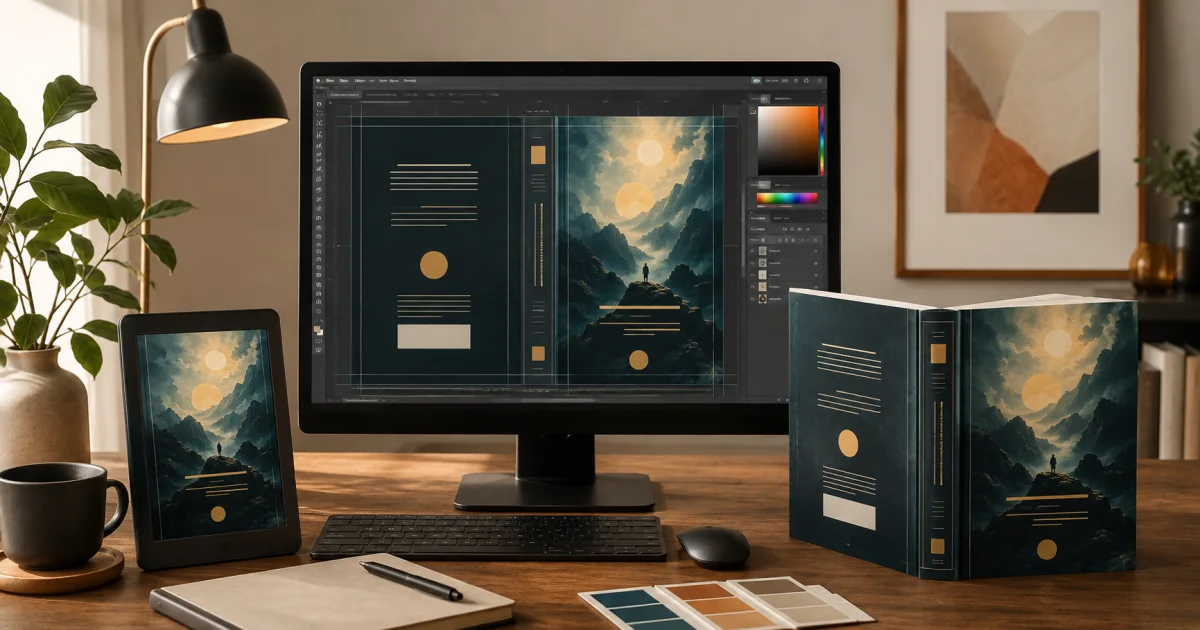
Design one continuous back, spine, and front cover with the correct bleed, safe areas, barcode space, typography, and print-ready dimensions.
Choose readable, genre-appropriate, commercially licensed fonts for Kindle, paperback, and hardcover editions without overcrowding your design.